Getting started · 5 minutes
Quickstart
Browsing and editing run in your browser: no install and no account. The site replays recorded plans and runs: open a worked example, edit a recorded plan or build one by hand, and find a job like yours. Live planning of new words runs here with your own key or a small free tier, or on your own machine.
01Open a worked example
A worked example is a real job run end to end: planned into steps, every tool the Studio can simulate tried on every step, and a recommendation tested against the best single off-the-shelf tool. Start with one.
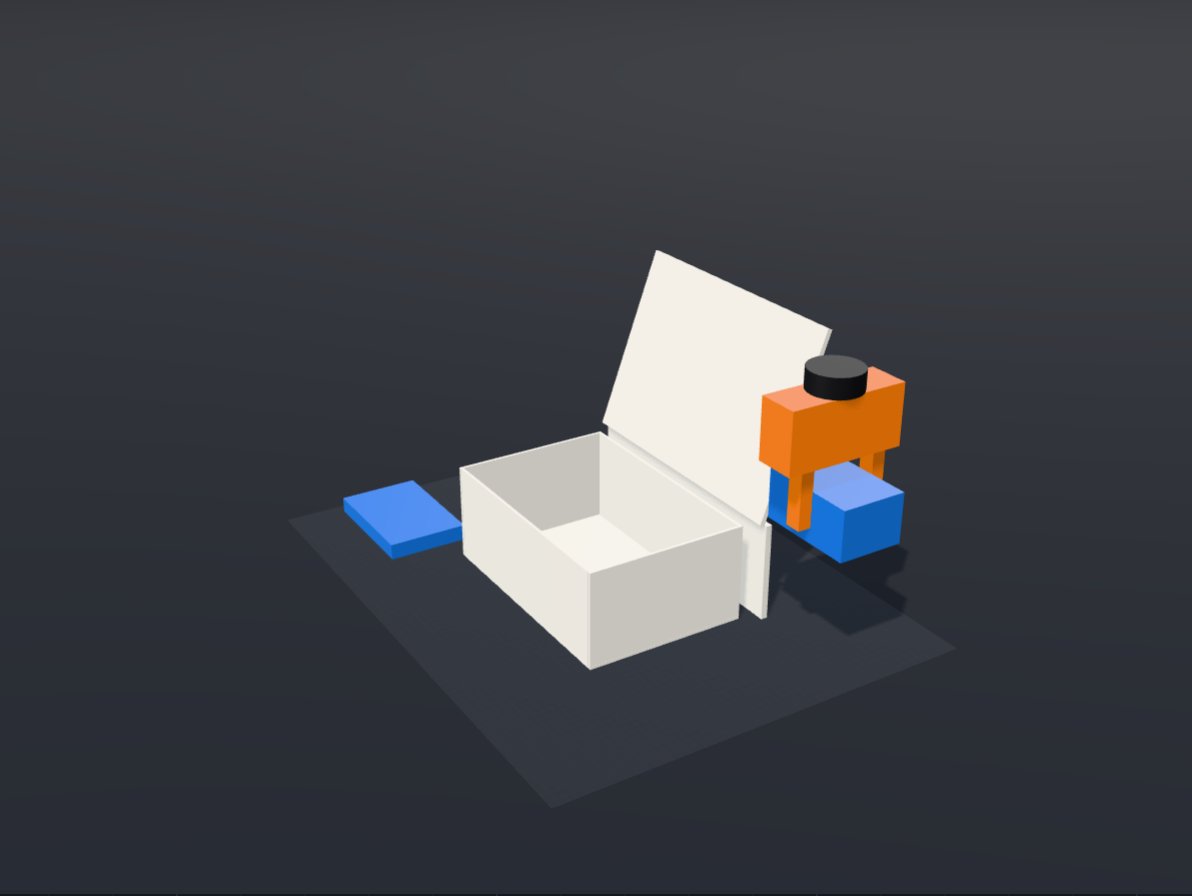
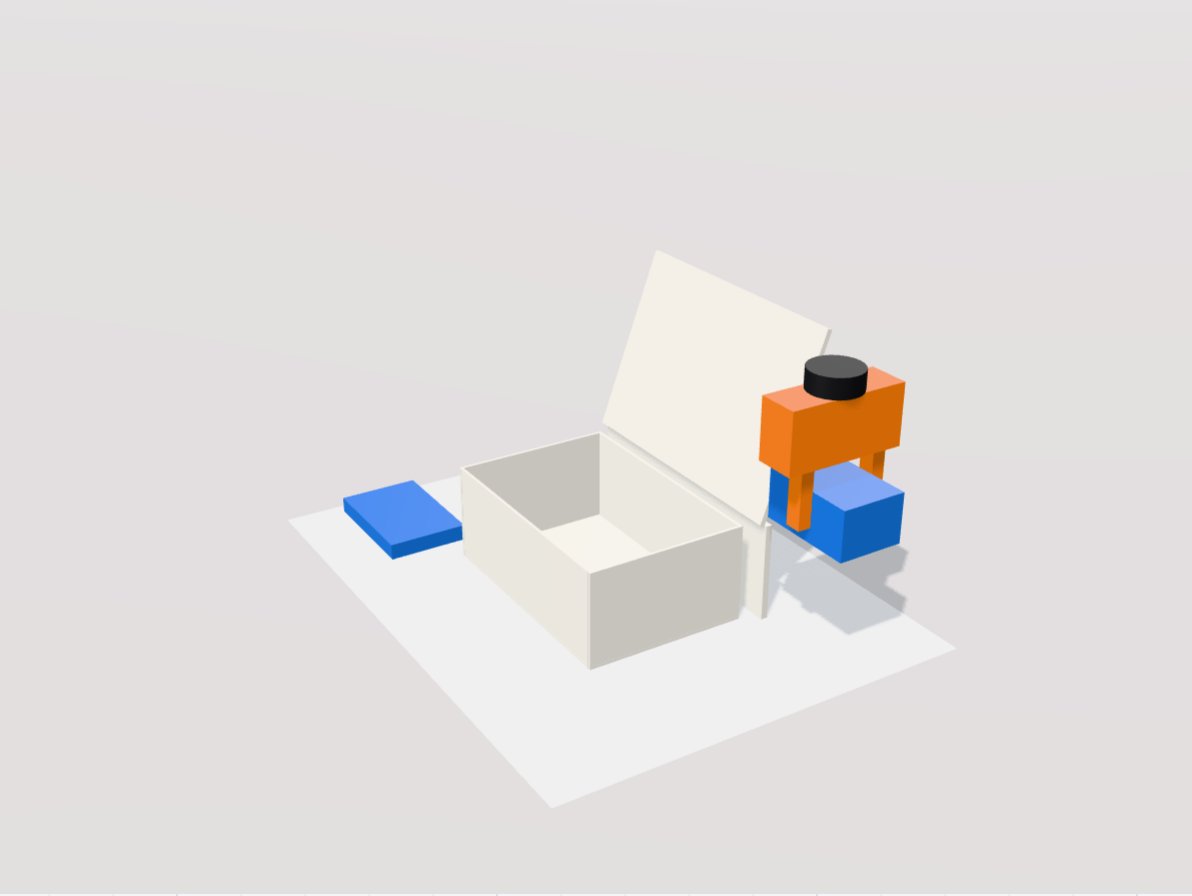 A still from the recorded physics runWorked exampleReturns toteA single industrial servo parallel gripper, 110 mm stroke, finishes the task in 8 of 8 runs; it is also the best single off-the-shelf tool.4 steps56 tools triedSimulated, verify on hardwareOpen the worked example
Read it top to bottom: the answer in one sentence, the two replays playing on one clock (recorded physics, not animation), one card per step saying which tools could do it and why the pick won, then the head to head and the build pack. Read a recommendation walks through every part.
02Plan your own task
- 1DescribeIn the Studio, write what the robot has to do with a few real objects, with sizes and limits, or pick an example.
- 2PlanPress Plan. The planner turns the words into objects and steps the simulator can run, and flags anything it cannot.
- 3Check and downloadEdit any object or step, then download the plan as TaskSpec JSON to run it yourself.
On this public site
03Find a job like yours
The use-case atlas lists 95 researched jobs, from solar farms to hospital labs, each with the setup an experienced integrator would expect and why. Search it for your parts or your process.
69one tool16tool change10two-tool headBrowse the atlas04Run it on your machine
The same code runs the search behind every example. With Python 3.12 and uv installed, three commands run your downloaded plan:
$ git clone https://github.com/stray128/robot-tool-tournament.git && cd robot-tool-tournament$ make sync && source .venv/bin/activate$ python -m rtt.studio.search taskspec.json --out runs/studio/my-task --packRun it yourself covers Docker, the options and what the run writes.
05Plan and run it on this site
The Studio can plan your own words live and then test the plan in physics, with nothing to install. In the panel called “Plan and run it live”, choose who pays for the planning call:
- Your NVIDIA API keyNemotron plans on your own account.
- Your Nebius Token Factory keyNemotron plans on your own account there.
- The free allowanceA daily allowance of plans that every visitor shares. The panel counts down what is left.
Your key
The hosted runner is a free trial with daily limits: each visitor gets 3 free plans and 2 physics runs a day (up to 30 plans with your own key), from a small shared budget. Everything it does also runs on your own computer, without limits.
Press Plan live, check the plan in the steps, then press Run in physics. The tutorial has the details.